
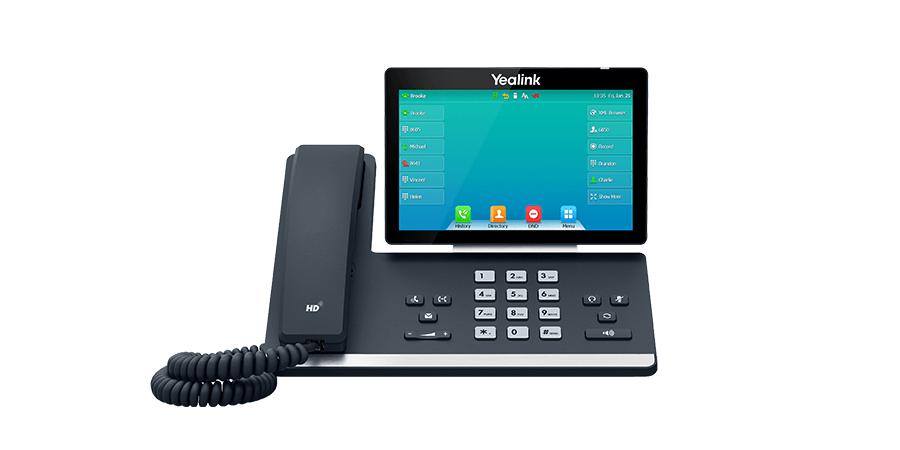
Most businesses buy VoIP phones the way they buy office chairs — one model, ordered in bulk, assigned to everyone regardless of role. It works, but it means the receptionist fielding forty calls a day has the same phone as someone who makes two calls a week, and the conference room is stuck using a desk phone’s speaker instead of hardware built for a room full of people. A little bit of matching goes a long way.
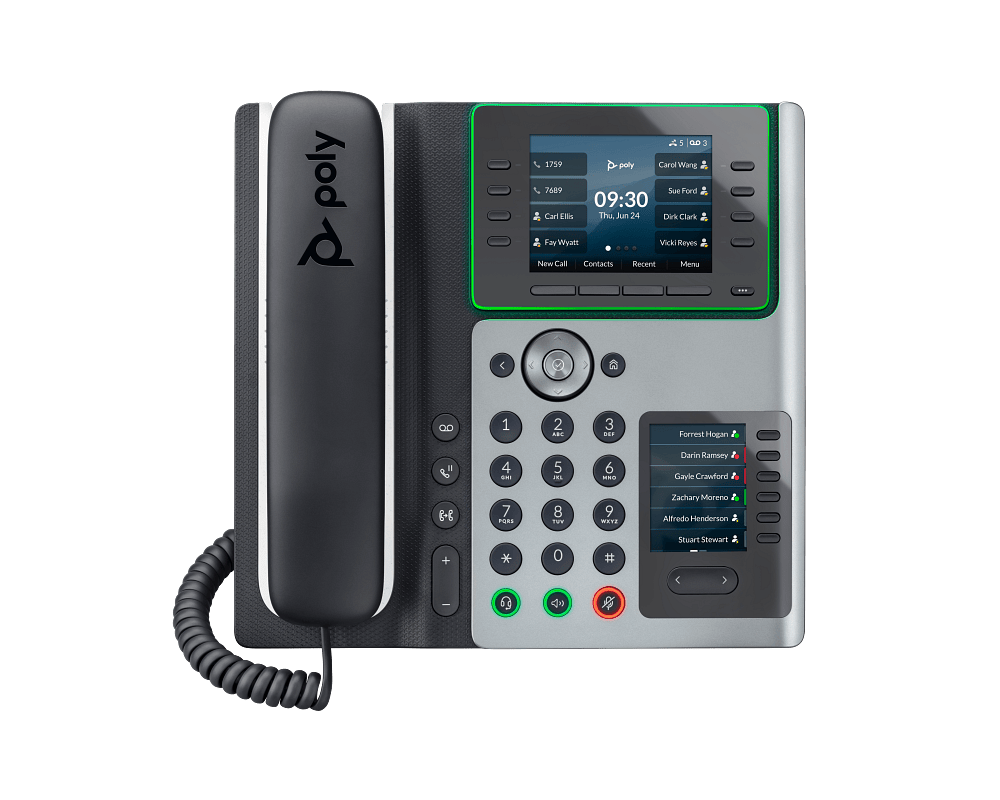
Reception and High-Volume Desks
Anyone answering or transferring calls constantly needs line keys — physical buttons mapped to extensions, ring groups, or parked calls — so they’re not hunting through a menu mid-call. Look for a phone with at least 8-12 programmable keys and a good busy-lamp field (BLF) so reception can see who’s on a call before transferring to them. A color screen isn’t just nice to have here; it makes scanning line status faster.
Standard Office Desks
Most employees don’t need line keys or a color display — they need reliable audio, a handset that doesn’t feel cheap, and a headset jack if they’re on calls for meaningful chunks of the day. This is where entry-to-mid-tier phones from Yealink, Grandstream, or Sangoma make the most sense. Buying a receptionist-grade phone for every desk is the single most common way offices overspend on a VoIP rollout.
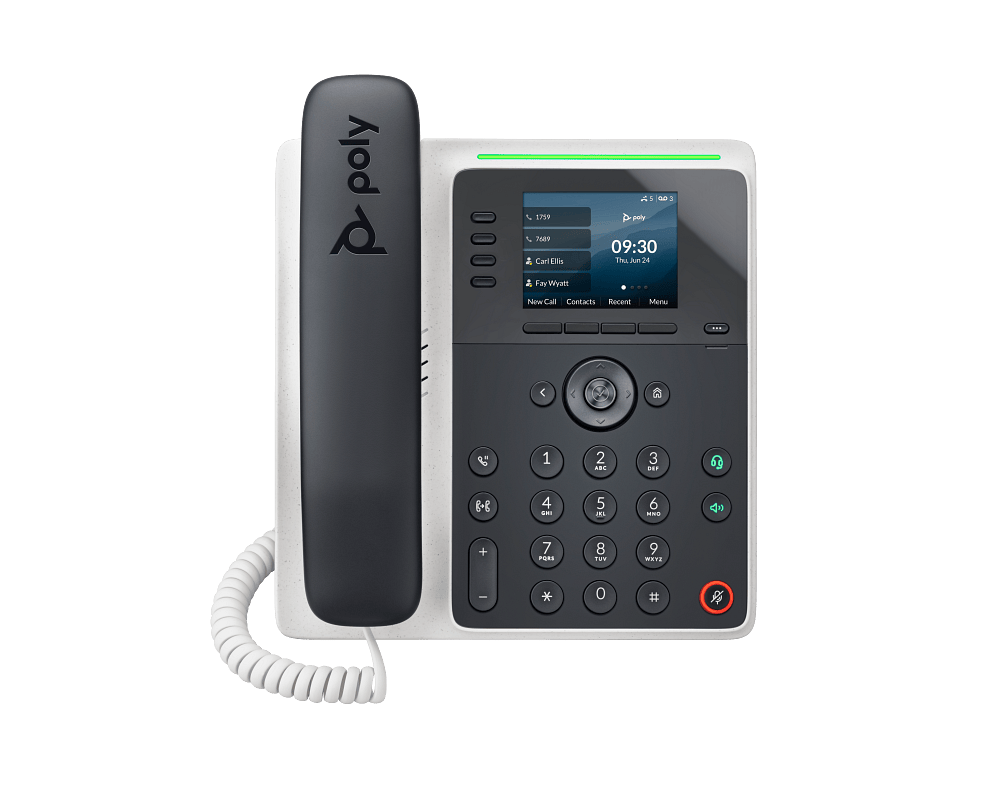
Executives and Frequent Travelers
Bluetooth for headset pairing, better speakerphone audio (useful for ad hoc conference calls from a desk), and sometimes built-in Wi-Fi so the phone isn’t tied to a specific network drop. If someone splits time between offices or works from a home office part of the week, a phone with easy remote provisioning saves an IT trip every time they move.
Conference Rooms
A standard desk phone’s speaker is not built for a room. Dedicated conference phones use multiple microphones positioned to pick up voices from anywhere around a table, which matters as soon as you have more than three or four people in the room. Skipping this and putting a desk phone in the middle of a conference table is one of the most common (and easily fixed) sources of “sorry, can you repeat that?” on client calls.

Compatibility Matters More Than Brand
The phone doesn’t need to be the same brand as your PBX to work well — what matters is standard SIP registration and, ideally, auto-provisioning support for your specific PBX platform. Every phone in our catalog lists SIP compatibility, line-key count, PoE support, and whether auto-provisioning templates exist for Sangoma and FreePBX, so you’re not guessing whether a phone will actually integrate cleanly before you order forty of them.
Buying in Volume
If you’re outfitting an entire office or standardizing across multiple locations, price breaks and provisioning templates for bulk orders can save real time on installation day. Reach out to our sales team for volume pricing before you place a large order — it’s almost always available and rarely advertised on the product page.