Many small businesses run entirely on Gmail and Google Workspace. Email, calendars and documents are all in the cloud. But when it comes to phones, they often end up with a separate app that doesn’t talk to anything. If you’ve searched for a Gmail phone system for your workplace, here’s how to make your office phones work hand-in-hand with Google.
Voicemail straight to Gmail
FreePBX and PBXact systems can email every voicemail to the user’s Gmail address as an audio attachment, with caller ID and time in the subject line. Staff can listen on their phone, forward a message to a colleague, or search old voicemails in Gmail like any other email.
Faxes arrive in Gmail too
Still receive faxes from healthcare, legal or government contacts? A fax-to-email number delivers every fax as a PDF to a Gmail inbox or Google group. No fax machine, no paper and no extra line.
Missed-call and queue alerts
Your phone system can email a shared Google group when a caller leaves a message in the sales queue, or when a call goes unanswered after hours. The right person follows up, even if they’re out of the office.
Desk phones that fit a modern office
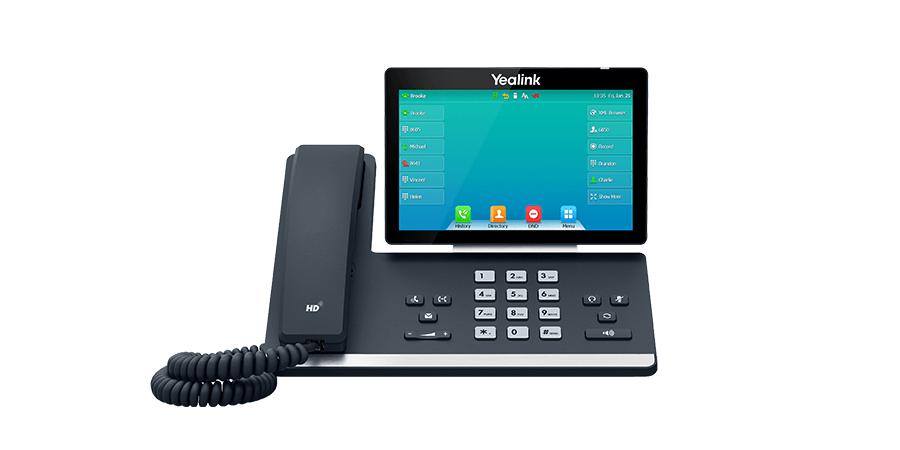
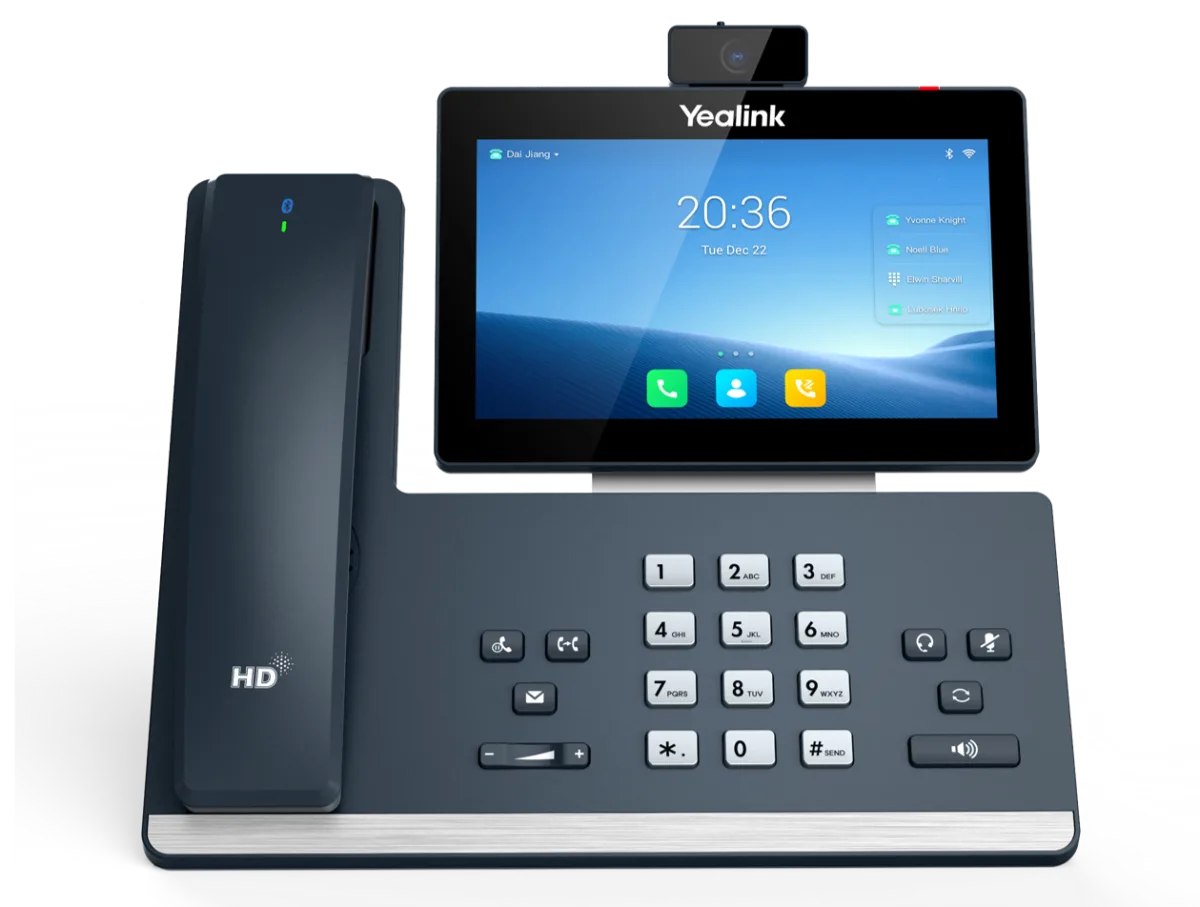
As a Yealink dealer, we recommend Yealink’s T5 series for Google-first teams:
- Large color screens and simple menus
- Bluetooth headset support
- Wi-Fi models that put a phone anywhere
- Zero-touch provisioning with FreePBX: plug in and it configures itself
The Yealink T53W is a great everyday phone. The T57W adds a touchscreen for managers and receptionists.
Work from anywhere with one number
With a softphone app on Android or iPhone, staff make and receive calls on their business extension from anywhere. Customers always see the company number, never a personal mobile.
Want a phone system that works the way your Google Workspace does? Pick a system for your team size, add Yealink phones, and connect your lines. Or talk to us and we’ll design it for you.