
Free U.S. shipping on every order · Setup help included · Toll free 1-866-294-8289 · sales@b2btelecommunications.com

My account · Support

Category: Networking

PoE switches, cabling and network design for reliable VoIP.

  • Is Your Network Ready for VoIP? A Bandwidth, QoS and VLAN Checklist

    Is Your Network Ready for VoIP? A Bandwidth, QoS and VLAN Checklist

    Most VoIP problems that get blamed on the phones are really network problems. Choppy audio, one-way calls and dropped transfers almost always trace back to bandwidth, prioritization or a router setting. The good news: you can check all of it before the first phone comes out of the box.

    10-Port Gigabit Switch with 8 PoE Ports
    Shop: 10-Port Gigabit Switch with 8 PoE Ports

    1. Measure upload bandwidth, not just download

    Every call sends audio in both directions, so your upload speed is usually the limit. Plan on roughly 90–100 kbps per call in each direction for the common G.711 codec once network overhead is included, or about 30–40 kbps with a compressed codec such as G.729.

    • 10 simultaneous calls on G.711 ≈ 1 Mbps up and 1 Mbps down, set aside just for voice.
    • Add headroom for video meetings, cloud backups and file uploads that run during the day.
    • Run speed tests at busy times, not at 7 a.m. when the office is empty.

    2. Check the numbers that matter more than speed

    A fast connection can still sound bad. Voice quality depends on three measurements you can see in most speed-test and router tools:

    • Latency: under 150 ms one way keeps conversations natural.
    • Jitter: under 30 ms; higher values cause robotic or clipped audio.
    • Packet loss: under 1%; even 2–3% is clearly audible.
    Local Business Phone Number (DID)
    Shop: Local Business Phone Number (DID)

    3. Turn on QoS so voice goes first

    Quality of Service tells your router and switches to send voice packets ahead of everything else. Mark voice traffic (SIP signaling and RTP audio) with DSCP values — commonly EF (46) for audio and CS3 (24) for signaling — and make sure the switch and router both honor those markings. If your router supports bandwidth shaping, cap the total upload slightly below what your line delivers so the router, not your provider, decides what waits.

    4. Put phones on their own voice VLAN

    A separate voice VLAN keeps phones away from broadcast traffic from PCs and printers, makes QoS easier to apply, and lets you hand phones their own DHCP scope. Many IP desk phones can learn the voice VLAN automatically through LLDP-MED, and DHCP option 66 can point them to the provisioning server so they configure themselves.

    5. Budget PoE power before you buy switches

    Power over Ethernet removes a power brick from every desk, but each switch has a total power budget. Add up the wattage of every phone (color-screen and expansion-module models draw more) and leave at least 20% spare. Cable runs should be Cat5e or better and under 100 meters. Testers and crimp tools in our tools & equipment section make it easy to verify runs before go-live.
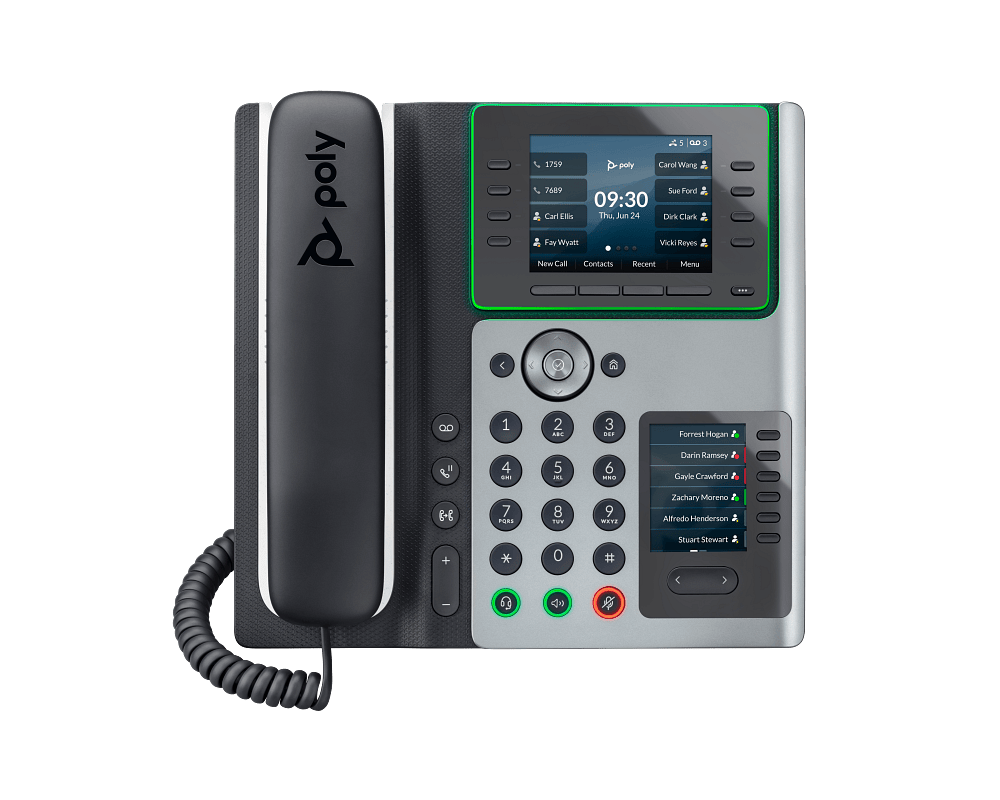
    Poly Edge E450 IP Phone
    Shop: Poly Edge E450 IP Phone

    6. Disable SIP ALG and check your firewall

    Many consumer and small-business routers ship with “SIP ALG” turned on. It tries to help SIP traffic through NAT and often breaks it instead, causing one-way audio or calls that drop at 30 seconds. Turn it off unless your provider specifically asks for it, and allow the signaling and media ports your phone system or SIP trunk provider lists.

    7. Plan for the day the internet goes down

    • Set call forwarding to mobile numbers when phones are unreachable.
    • Consider a second internet connection with automatic failover.
    • Keep your router, switch and on-site FreePBX server on a UPS battery backup.
    • Confirm each location’s E911 address is registered correctly.

    A quick pre-switch checklist

    1. Upload bandwidth covers peak calls plus 30% headroom.
    2. Latency, jitter and packet loss tested at busy hours.
    3. QoS markings set and honored end to end.
    4. Voice VLAN and DHCP options configured.
    5. PoE budget calculated with 20% spare.
    6. SIP ALG off and firewall ports open.
    7. Failover and battery backup in place.

    Want a second set of eyes? Tell us how many users and locations you have, and we will help you match phones, switches and SIP service to the network you already own.
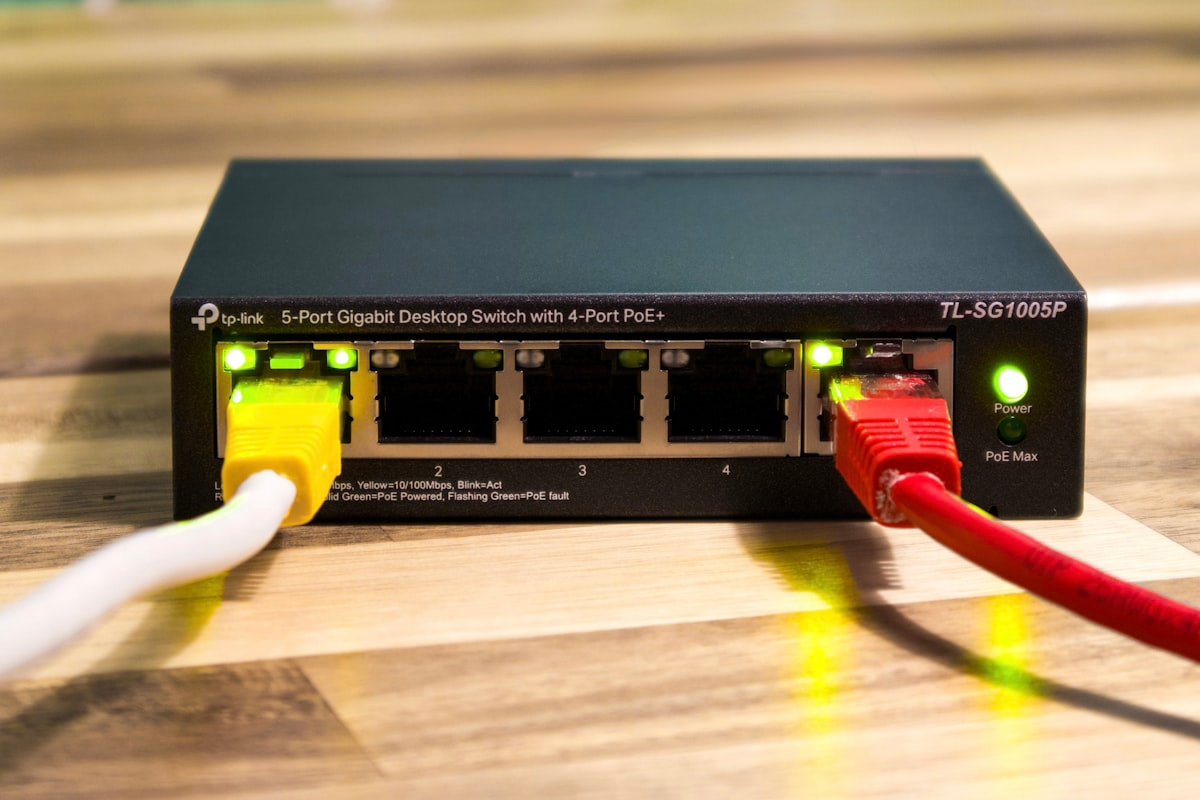
  • PoE Switches and Cabling: The Overlooked Foundation of a Reliable VoIP Deployment

    PoE Switches and Cabling: The Overlooked Foundation of a Reliable VoIP Deployment

    Every VoIP project plan spends most of its attention on the PBX and the phones — reasonably, since that’s the visible part of the system. But the network gear underneath is what determines whether those phones stay online, get clean audio, and survive a power blip without an IT call. A PBX and a stack of desk phones sitting on top of the wrong switch is a support ticket waiting to happen.

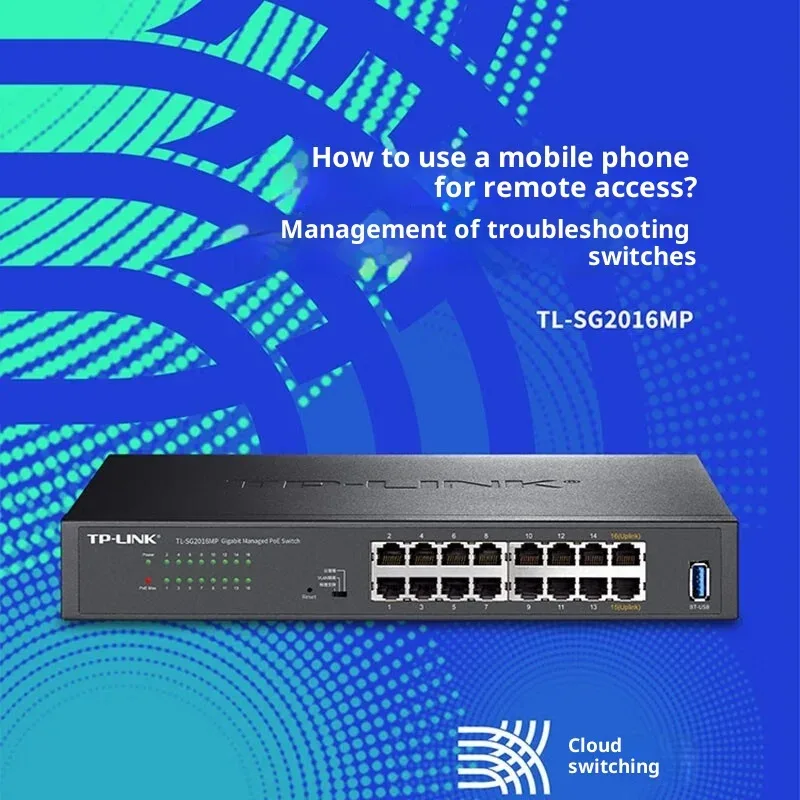
    TP-Link TL-SG2016MP 16-Port Gigabit PoE+ Managed Switch
    Shop: TP-Link TL-SG2016MP 16-Port Gigabit PoE+ Managed Switch

    Why PoE Matters

    Power over Ethernet lets a single Cat5e/Cat6 cable carry both data and power to a phone, which means no wall wart, no extra outlet near every desk, and centralized power management at the switch instead of scattered across the office. For any deployment beyond a handful of phones, a PoE-capable switch isn’t a nice-to-have — it’s what keeps a phone rollout from turning into an electrician’s job.

    Sizing PoE Budget, Not Just Port Count

    This is the detail that catches people off guard. A switch can have plenty of ports and still not have enough PoE power budget to run all of them at once. Every PoE device draws a certain wattage, and switches have a total power budget shared across all ports — plug in enough phones (or PoE cameras, access points, and phones together) and you can hit the power ceiling well before you run out of physical ports. Always check total PoE wattage against your actual device count and their power class, not just the number of ports.

    10-Port Gigabit Switch with 8 PoE Ports
    Shop: 10-Port Gigabit Switch with 8 PoE Ports

    Managed vs. Unmanaged Switches

    An unmanaged switch works, but it gives you no visibility and no control — no way to prioritize voice traffic, no per-port diagnostics when a phone goes offline, no VLAN separation between voice and data traffic. A managed switch with QoS (Quality of Service) lets you tag voice traffic as priority, which matters most on networks that are also carrying heavy data traffic — file transfers, video calls, backups — that could otherwise compete with voice packets and cause choppy calls.

    VLANs: Keeping Voice Traffic Separate

    Putting phones on a separate VLAN from computers and other network traffic isn’t just a security best practice — it’s one of the most effective ways to guarantee call quality. Voice traffic on its own VLAN, tagged for priority, rarely competes for bandwidth the way it does sitting on the same broadcast domain as everything else in the office.

    8-in-1 RJ45 Crimp Tool Kit with Cable Tester
    Shop: 8-in-1 RJ45 Crimp Tool Kit with Cable Tester

    Cabling and Testing Tools Matter More Than People Expect

    A phone that drops calls or has choppy audio is, more often than IT teams expect, a cabling problem rather than a PBX or network problem — a marginal Cat6 run, a bad termination, or a patch cable that’s been stepped on one too many times. A decent cable tester and a PoE tester in an installer’s toolkit catches these issues in minutes instead of after a week of intermittent complaints.

    Patch Panels: Not Just Cable Management

    A proper patch panel does more than keep cabling tidy behind a rack — it makes troubleshooting and future changes dramatically faster. Tracing a bad connection through a tangle of direct-run cables can eat an entire afternoon; tracing it through a labeled patch panel takes minutes.

    Building It Right the First Time

    None of this is expensive relative to the cost of a PBX and phone rollout, but skipping it is one of the most common reasons a “finished” VoIP deployment keeps generating support tickets months later. Our Tools & Equipment catalog carries PoE switches sized by port count and power budget, patch panels, and the cable testers installers actually reach for on a job — the parts that don’t get attention in the sales pitch but determine whether the phones stay up.

We acceptVisaMastercardAmexDiscoverStripePayPalAuthorize.net